How it works
FindThatRecipe helps you find recipes from your cookbook collection — fast.
The search flow
1. Search by keyword
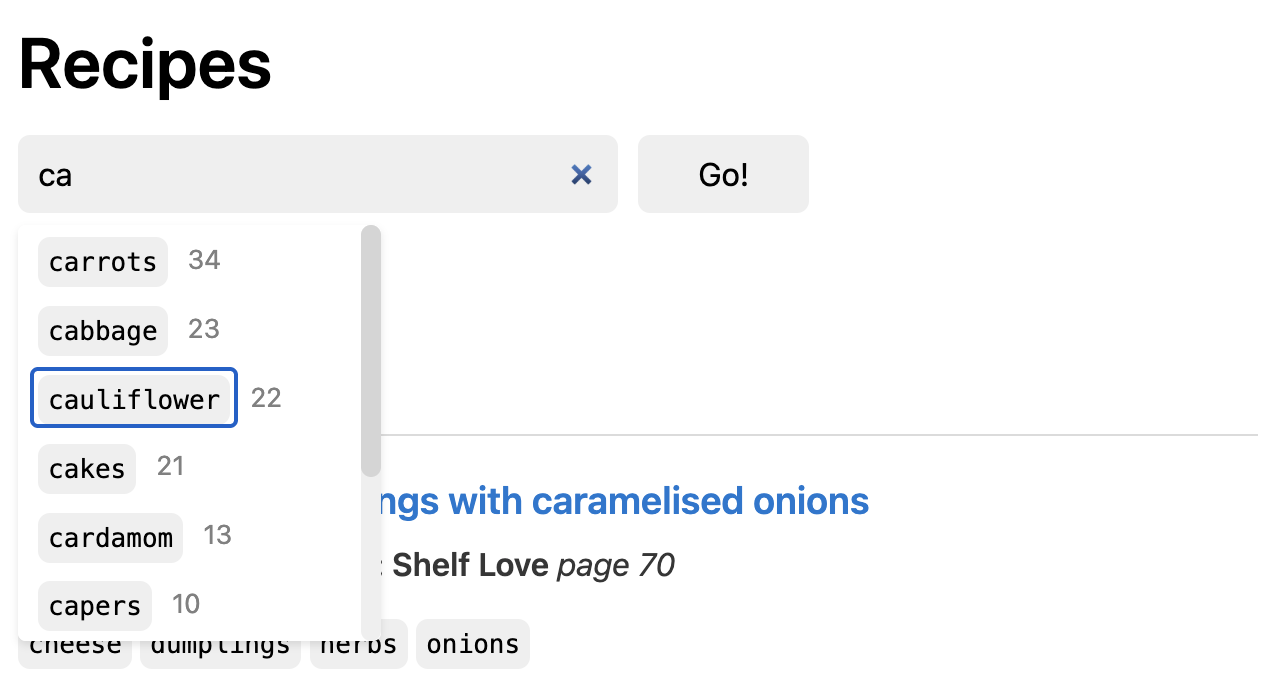
Type any ingredient, dish, or style. Suggestions appear as you type, with counts showing how many recipes match.
Try typing "ca" to see suggestions, e.g. "cauliflower" with 22 results.
2. Refine with more keywords
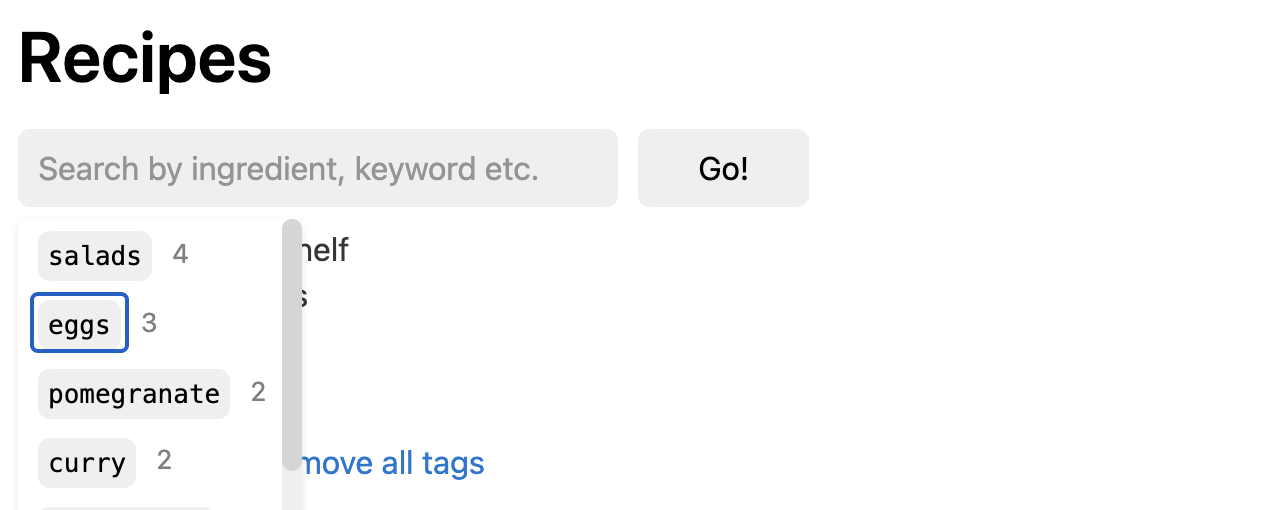
Stack keywords to narrow down. Start broad, get specific.
Focus search bar again to see suggestions that can be combined with the already selected keywords, e.g. "eggs" with 3 results.
3. Get book + page
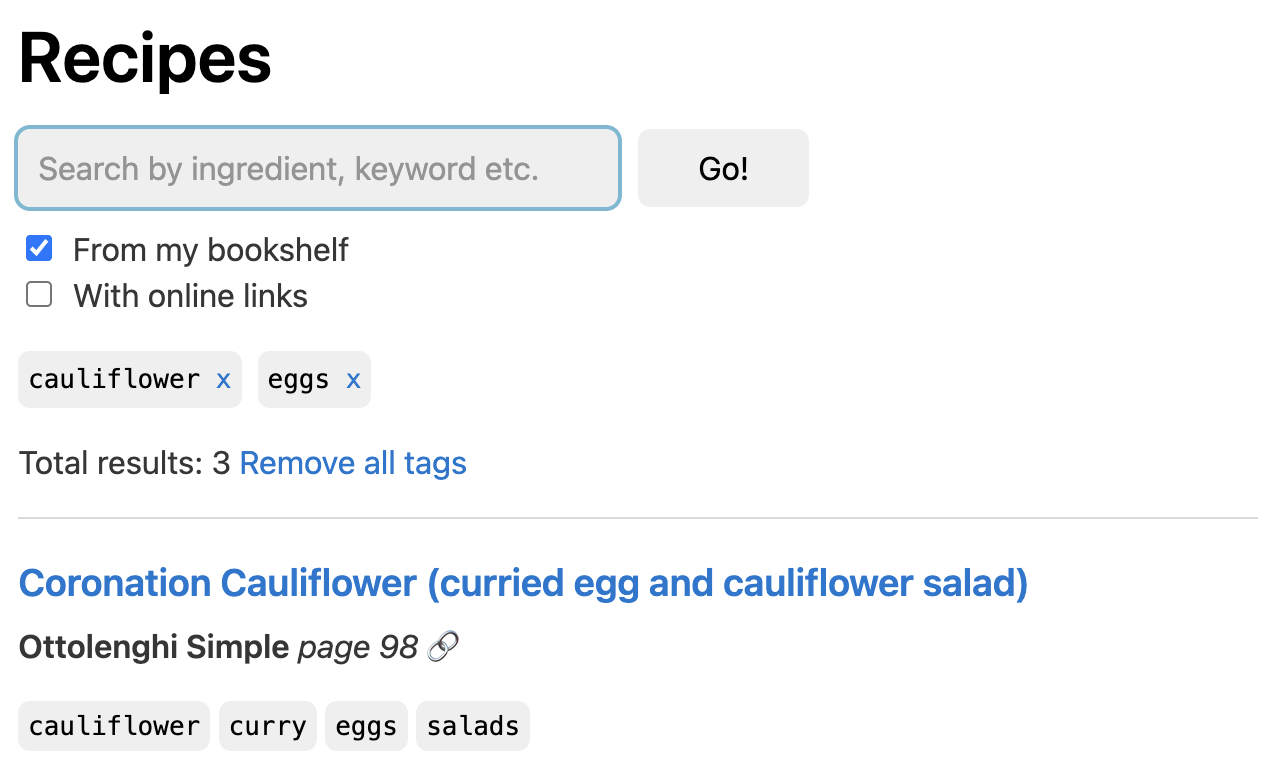
Pick a result. You'll see the book name and page number. Go grab the book. Open the page. Start cooking.
Key features
Type-ahead suggestions
Suggestions appear as you type - simply click on a suggestion to add it to your search.
Keyword counts
See how many recipes match each keyword before you select it.
"From my bookshelf" filter
Limit results to only the cookbooks you've added to your shelf.
Similar recipes
On each recipe page, discover alternatives and variations.
Try it now
Create a free account to limit search results to your own collection.
Curious about the story behind this? → Read the about page